


Convert · Yuzu Drag
Browse file workflows and practical references for Yuzu Drag on Mac.
AVIF to JPG on Mac: local conversion and batch tips
Convert AVIF to JPG on Mac with Preview or Yuzu Drag when macOS can read the source. Check batch results, image quality and transparent backgrounds.
Learn more →
FLAC to M4A on Mac: create an AAC listening copy
Convert FLAC to M4A on Mac with Yuzu Drag when native audio support can read the file. Make an AAC listening copy and keep the original for editing.
Learn more →
HEIC to JPG on Mac: Preview and batch conversion
Convert HEIC to JPG on Mac with Preview or Yuzu Drag. Export iPhone photos, handle a batch locally, and check image quality while keeping the originals.
Learn more →
JPG to PDF on Mac: combine pictures into one document
Convert JPG to PDF on Mac with Finder, Preview or Yuzu Drag. Combine photos into one document and check page order, image size and readability before sending.
Learn more →
Markdown to PDF on Mac: export local text notes
Convert Markdown to PDF on Mac with your editor's print view or Yuzu Drag. Keep notes local and check headings, lists, links and page breaks before sharing.
Learn more →
MOV to MP4 on Mac: convert video locally
Convert MOV to MP4 on Mac with Yuzu Drag. Understand QuickTime's export limits, native passthrough and re-encoding, then check playback before sharing.
Learn more →
PDF to JPG on Mac: export one page or the whole file
Convert PDF to JPG on Mac with Preview or Yuzu Drag. Export one page or a folder of page images, with 300 DPI rendering limited to 16 megapixels per page.
Learn more →
PNG to JPG on Mac: conversion and white backgrounds
Convert PNG to JPG on Mac with Preview or Yuzu Drag. Learn how transparent areas become white, then check image detail and batch results before sharing.
Learn more →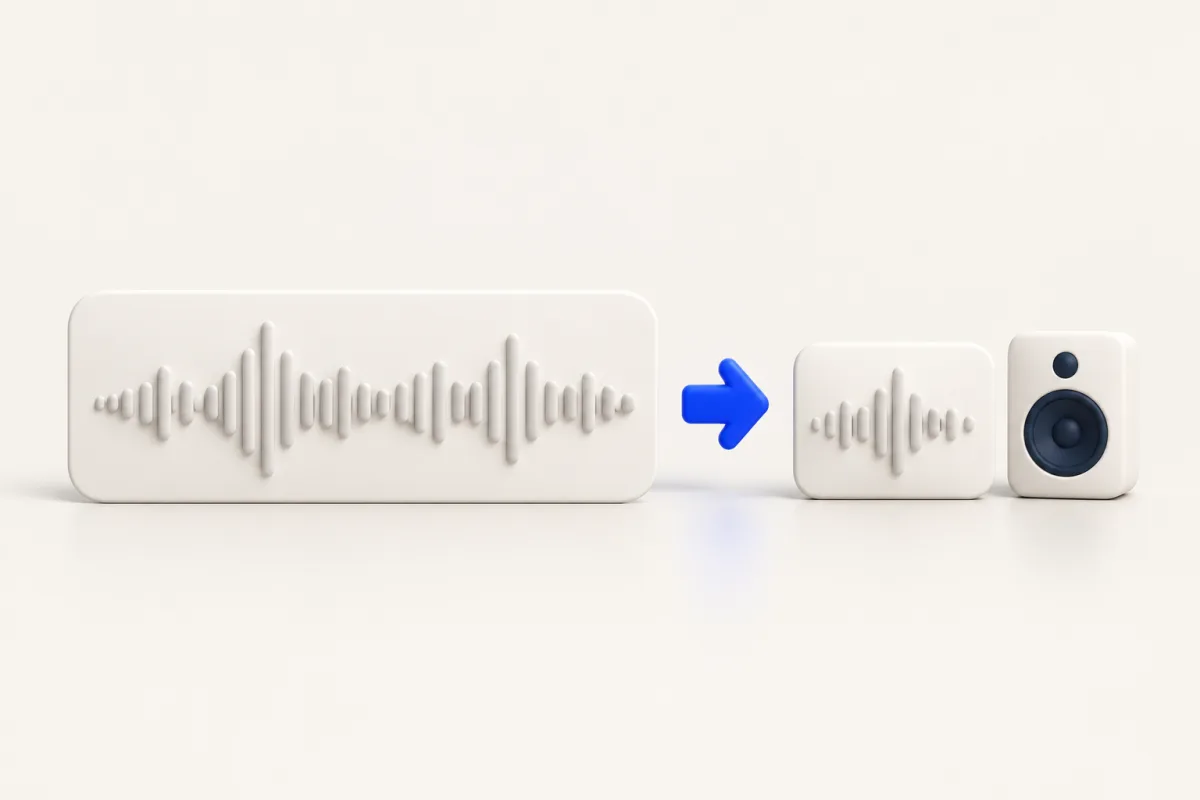
WAV to M4A on Mac: create an AAC listening copy
Convert WAV to M4A on Mac with QuickTime Player or Yuzu Drag. Create a local AAC listening copy, check playback, and keep the WAV source for later editing.
Learn more →