


On your Mac
Jobs, settings and history stay on your Mac. No account is needed.
 Yuzu SyncAvailable · v1.0.9
Folder sync for Mac, external disks and mounted NAS shares. Choose the folders. Yuzu Sync handles the next run.
macOS 14 or later · Apple silicon & Intel
~/Projects/PhotosMacintosh HDChoose…/Volumes/Backup/PhotosBackup SSDChoose…Choose a mode in Settings. In Overview, preview or sync the sample folders. You can also try a same-named disk. No real files are touched.
Interactive simulation · sample data · archive enabled
The app keeps the last 50 runs per job.
~/Projects/PhotosMacintosh HDChoose…/Volumes/Backup/PhotosBackup SSDChoose…~/Projects/Photos/Volumes/Backup/PhotosRemembered UUID …9F2CMounted UUID …9F2C · matches
.YuzuSync/ArchiveOn the same disk · 30 days by defaultNew jobs start in Copy. Change the mode for each pair of folders.
~/Projects/PhotosMacintosh HDChoose…/Volumes/Backup/PhotosBackup SSDChoose…Yuzu Sync remembers an external disk by its UUID. A different disk with the same name is refused before anything is written.
…9F2CRemembered disk✓ Accepted…44B1Same name · different disk× RefusedRun when your disk connects. Set a daily, weekly or repeating schedule. You can always start a run from the menu bar.
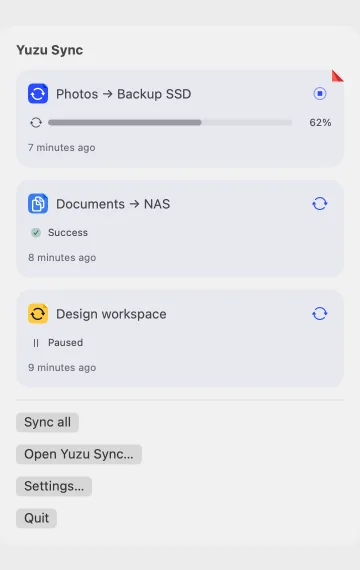
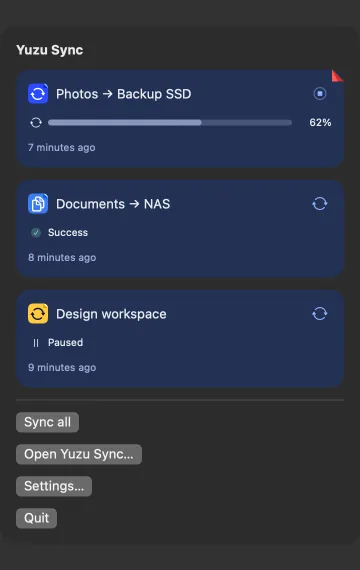
Preview lists the changes before writing. Archiving is on for new jobs and keeps deleted or replaced files for 30 days by default. You can change the retention or turn archiving off.
Large removals pause for review. Run history keeps the last 50 runs for each job.
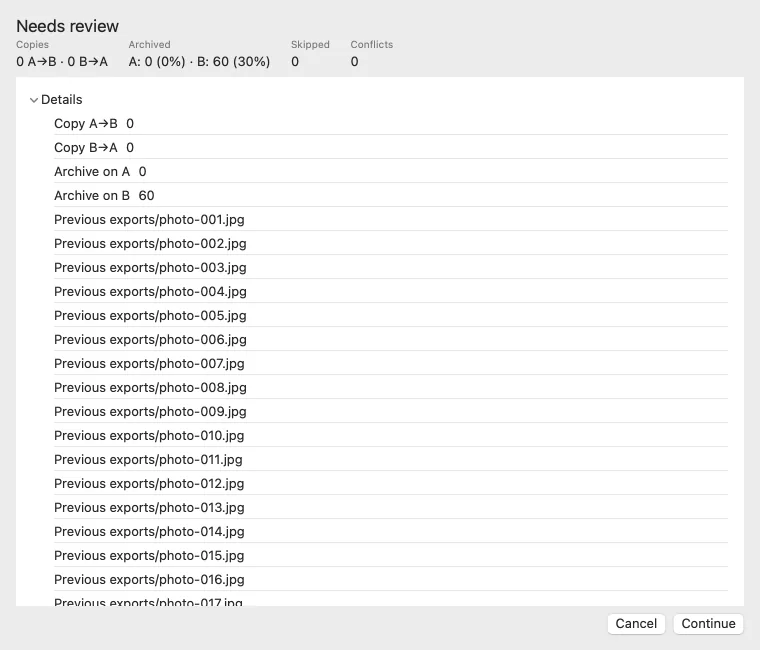
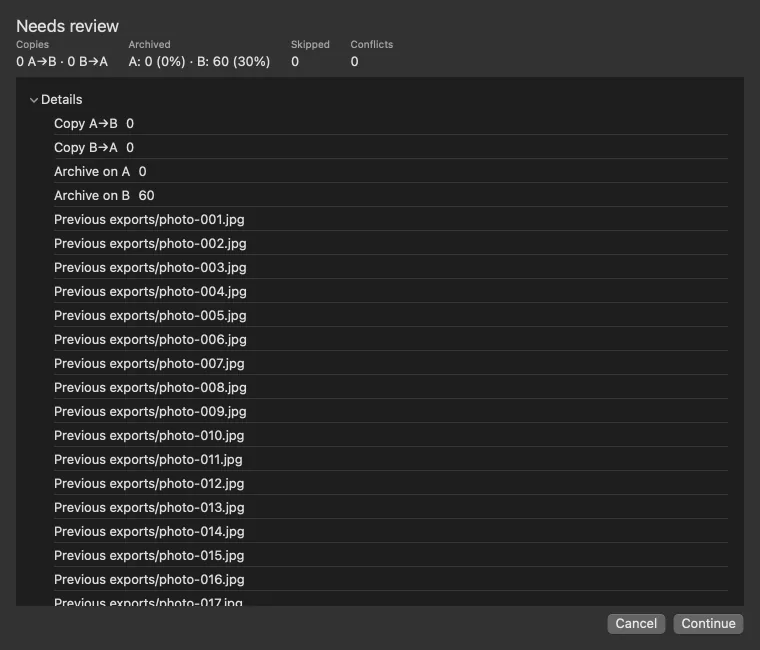
macOS may ask for access to your folders and disks. If access is blocked, the run history offers Grant Full Disk Access.
Jobs, settings and history stay on your Mac. No account is needed.
Files travel over the network when you choose a mounted NAS share. The app also checks yuzu.today for updates.
Use these keys in the app’s editor and dialogs.
| Save an existing job | ⌘S |
|---|---|
| Continue a reviewed preview | ↩ |
| Cancel a dialog | Esc |
| Quit from the menu bar | ⌘Q |
Yes. Download and install Yuzu Sync as its own Mac app. Its rsync engine is included.
Yes, with a share already mounted on your Mac. SSH and cloud storage targets are not supported.
Archiving is on by default, with 30-day retention. You can change it to 1–365 days or forever. If you turn archiving off, deleted and overwritten files cannot be recovered through the archive.
macOS 14 or later, on Apple silicon and Intel. The download is Developer ID signed and Apple notarized, with Sparkle updates.
Download Yuzu Sync. A standalone Mac app with its own sync engine.
macOS 14 or later · Apple silicon & Intel