


Guides · Yuzu Drag
Browse file workflows and practical references for Yuzu Drag on Mac.
Batch rename files on Mac with a name preview
Batch rename files on Mac with Finder or Yuzu Drag. Compare text, numbering and case rules, preview conflicts, and check changes to your original files.
Learn more →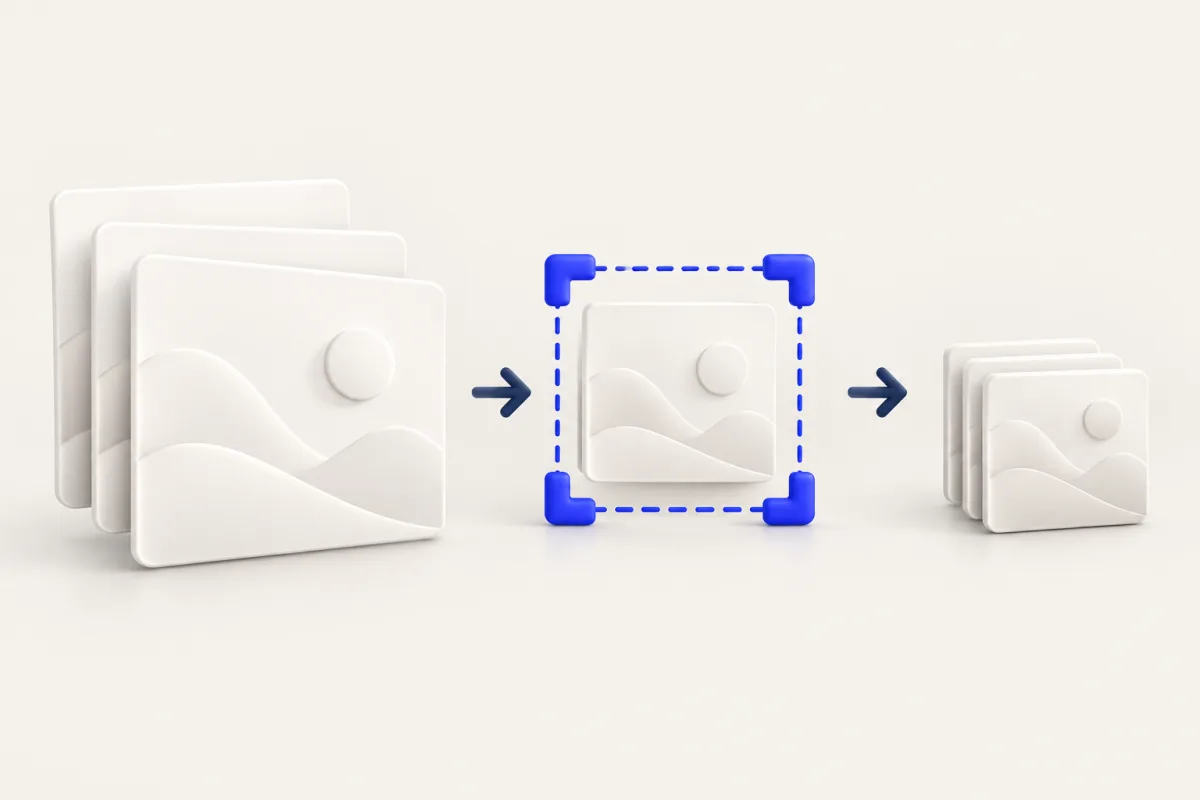
Batch resize and compress images on Mac
Batch resize and compress images on Mac with Preview or a saved Yuzu Drag chain. Set dimensions first, choose compression, and inspect the final copies.
Learn more →
Combine videos on Mac and check the sequence
Combine videos on Mac with QuickTime Player or Yuzu Drag. Join MP4 and MOV clips into one movie, then check the sequence, audio and saved output.
Learn more →
Compress audio on Mac: choose a smaller listening copy
Compress audio on Mac with local Yuzu Drag bitrate presets or built-in export. Keep the original recording and listen to the smaller copy before sharing.
Learn more →
Compress images on Mac to a target size
Compress images on Mac with Preview or Yuzu Drag. Set a KB or MB budget, review any dimension changes, and check the saved image before uploading.
Learn more →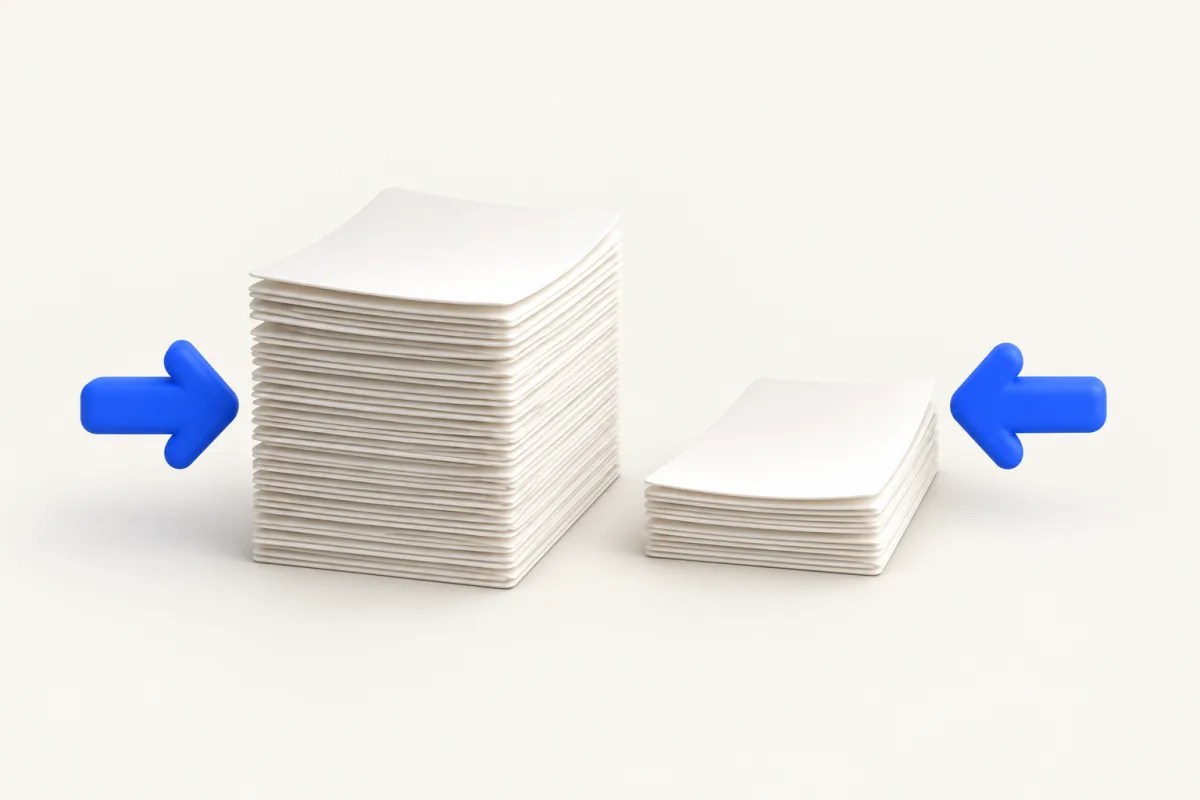
Compress PDF on Mac and check readability
Compress PDF on Mac with Preview or Yuzu Drag using the system Reduce File Size filter. Check small text, scans and output size while keeping the source.
Learn more →
Compress video on Mac and keep your source
Compress video on Mac with QuickTime or Yuzu Drag. Compare resolution choices, keep the source movie, and check playback and file size before sharing.
Learn more →
Copy text from an image on Mac
Copy text from an image on Mac with Live Text or Yuzu Drag OCR. Choose a recognition language, paste the result, and check names and numbers before reuse.
Learn more →
Drag and drop shelf for Mac: Yuzu Drag Float
Use a drag and drop shelf for Mac to hold files while switching apps. Compare Finder staging with Yuzu Drag Float, and learn what stays in the source folder.
Learn more →