


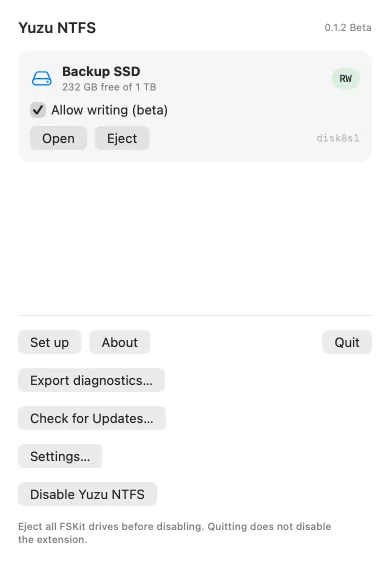
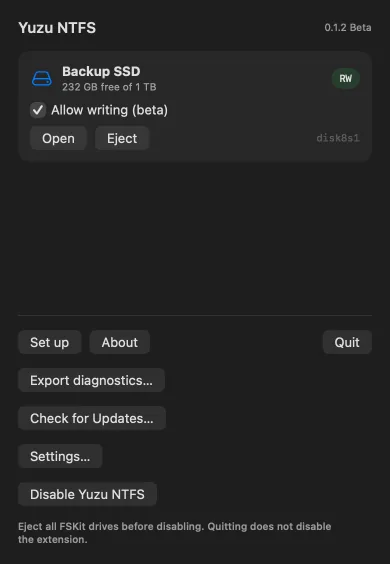
WINDOWS SSD232 GB free of 1 TBRW — Read & write
Allow writing (beta)
OpenEject
disk4s1 Yuzu NTFSBeta · v0.1.2
NTFS for Mac starts read-only in Finder. Turn on beta writing for each drive when you need it.
macOS 26 or later · Apple silicon and Intel · Intel experimental in this beta, not yet tested on Intel hardware
Beta · Developer ID signed and notarized · open source (GPL v2). Source on GitHub
disk4s1Pick a drive state below to see how Yuzu NTFS mounts it. This is an illustration of the shipped behaviour — no disk is read.
Interactive simulation · illustrative only, no disk is read
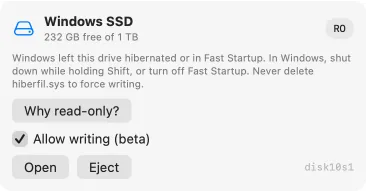
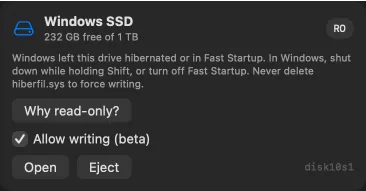
disk4s1Windows left this drive hibernated or in Fast Startup. In Windows, shut down while holding Shift, or turn off Fast Startup. Never delete hiberfil.sys to force writing.
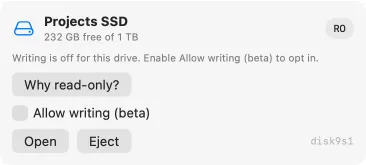
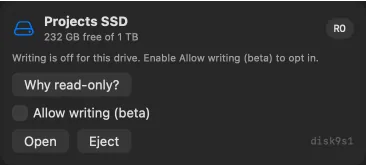
Why read-only? Allow writing (beta)disk4s1Plug in an NTFS drive. Writing is off until you opt in for that drive.
Finder: read & writeFinder: read-only · Read-onlyNo NTFS drives
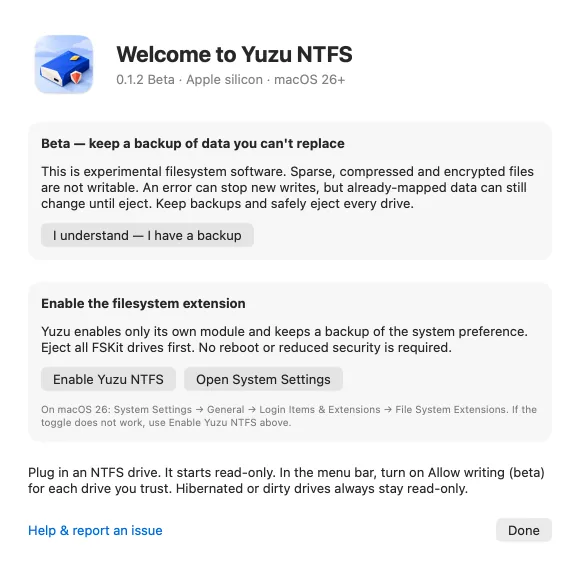
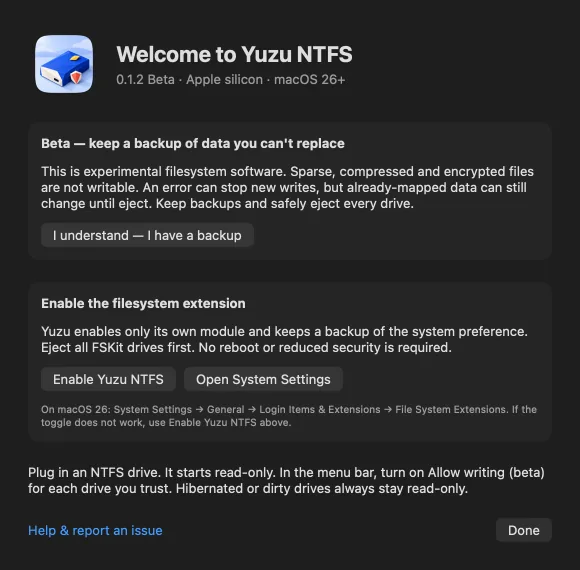
Enable the extension, then plug in a supported NTFS drive. It can mount in Finder on its own.
Built on Apple's FSKit. No kernel extension or reduced security.
System Settings → General → Login Items & Extensions → File System Extensions
If the System Settings toggle doesn't take, use Enable Yuzu NTFS in the app. Eject all FSKit drives before enabling, disabling or updating; quitting the app does not disable the extension.
Hibernated or dirty drives stay read-only. Unsupported or damaged drives may not mount.
This experimental beta is not a production-safety guarantee. Physical-SSD and Windows chkdsk acceptance remain pending. Keep backups and eject safely.
Filesystem operations run locally. The app does not upload disk contents or send analytics.
Export a diagnostics ZIP only when you choose. Review it before manually sending it; logs may include drive and path details.
Source is published under GNU GPL version 2. The direct-download DMG is Developer ID signed and notarized.
Sparkle checks for signed updates over the network by default. Settings… controls automatic checks. Eject all FSKit drives before an update installs.
These keys work in the app. Quitting does not disable the extension.
| Action | Shortcut |
|---|---|
| Quit Yuzu NTFS | ⌘ Q |
| Close the setup or read-only explanation | Return |
Yes. After you accept the beta backup notice and turn on Allow writing (beta) for a drive, you can read and write it in Finder and Terminal. Each drive starts read-only until you opt in.
No. Yuzu NTFS uses Apple's FSKit file-system extensions, so your Mac stays at Full Security with no kext, no macFUSE and no reboot.
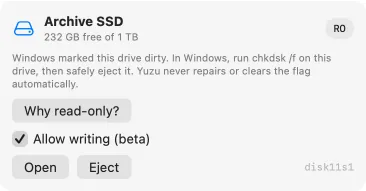
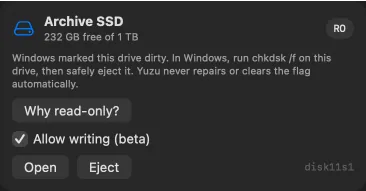
Writing is off until you opt in, and drives that Windows hibernated, left open with Fast Startup, or marked dirty stay read-only for safety. The app shows the reason and what to do in Windows.
No. BitLocker drives are recognised but can't be mounted or decrypted. Unlock and decrypt them on Windows first.
No. v0.1 doesn't format, repair, or replay the journal. Use Windows chkdsk for structural fixes, and exFAT if you need a blank cross-platform disk.
Apple silicon and Intel Macs on macOS 26 or later. Intel support is experimental in this beta, not yet tested on Intel hardware. Keep backups of anything you can't replace.
Download Yuzu NTFS as a Developer ID signed, notarized DMG for Apple silicon and Intel on macOS 26 or later. Intel support is experimental in this beta, not yet tested on Intel hardware. After installing, enable the file-system extension and accept the backup notice before writing.
macOS 26 or later · Apple silicon and Intel · Intel experimental in this beta, not yet tested on Intel hardware
New drives default to read-only. After the backup acknowledgement, enable Allow writing (beta) per drive; the app remembers your preference.