


Dropover alternative: a file tool or a shelf-first app?
Updated:
Short answer
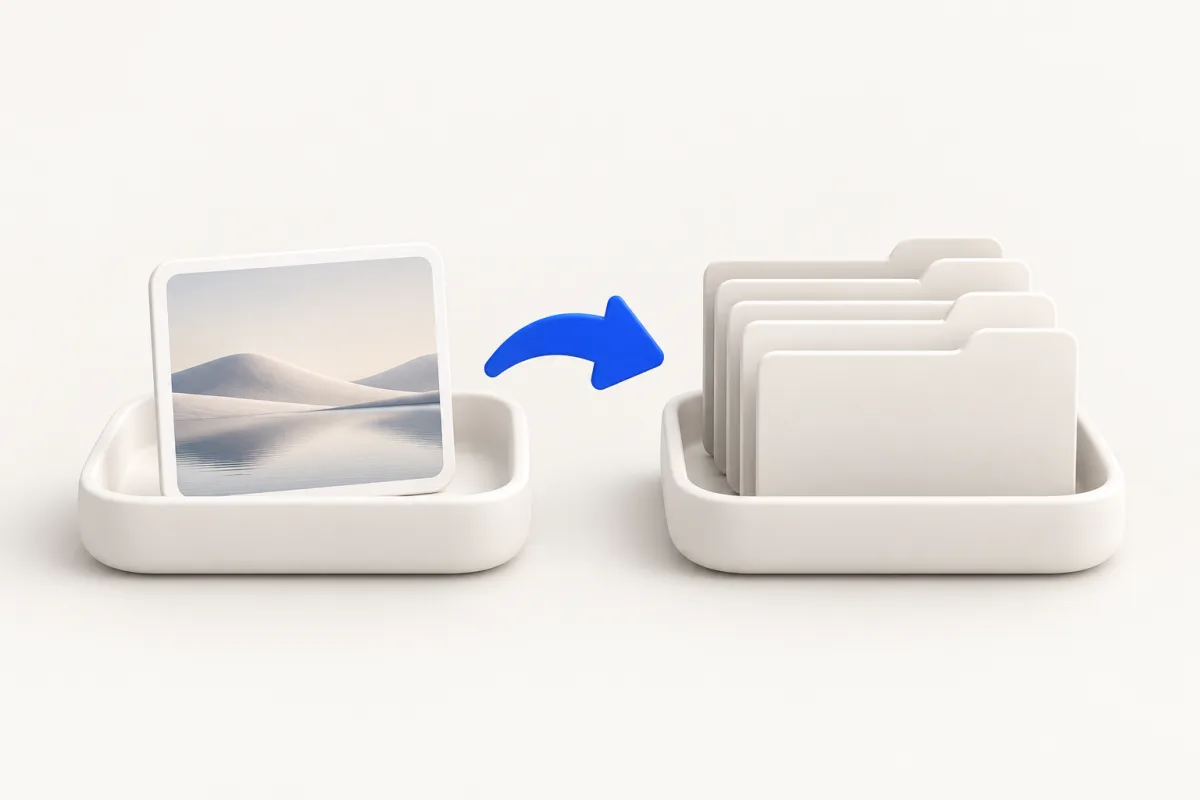
Yuzu Drag is a Dropover alternative when you need temporary file staging alongside conversion and compression in a Mac utility. Dropover is the better fit when managing shelves and collections is the central job. Float is a useful Yuzu action, but having a shelf does not make the two products equivalent.
These are the default keys; you can change them in Settings. For folders or mixed file types, ⌘ can open Actions directly.
Comparison: checked 2026-10-29
| Decision | Yuzu Drag | Dropover |
|---|---|---|
| Main emphasis | Convert, apply tools or run file actions during a drag | Temporary shelves and collection management |
| Temporary staging | Float action | Shelf-first workflow |
| Image conversion | Supported conversions such as HEIC to JPG | Vendor markets image conversion and resizing |
| Compression | Supported image, video and PDF tools | Evaluate the vendor's current catalog for your task |
| Minimum system | macOS 14+, Intel and Apple silicon | macOS 13+ |
Dropover's homepage and US App Store listing, checked 2026-10-29, describe its shelf, image conversion and macOS 13 minimum. An omitted capability does not mean Dropover lacks it.
Use the built-in method when it is enough
For basic staging, put files in a Finder folder, open the destination in another Finder window and drag between the two. This requires arranging the desktop, but it needs no shelf app. Keep your source location visible so you can tell whether you are copying or moving files.
For a one-off HEIC conversion, open the photo in Preview, choose File > Export, select JPEG and save a new copy. Follow Apple's image export instructions. You may not need a conversion utility if this is all you do.
Neither method gives you a dedicated temporary shelf. That is the practical reason to consider a shelf app, rather than a claim that Finder cannot move files.
Where Dropover is better
Dropover's official page describes named and color-coded shelves, pinned shelves and reopening recent shelves. Choose it if you regularly collect files or app content from several places before sending them together. Try those shelf controls with your own project files before deciding whether Float is enough.
The vendor also markets custom actions, scripts and Shortcuts integration. Those are reasons to investigate Dropover for an established shelf-centered workflow. Do not assume a simpler Float action preserves the way you organize collections or the integrations you already use.
Dropover supports macOS 13 according to its store listing. A Mac that cannot run macOS 14 falls outside Yuzu's requirements even if its user only needs temporary staging.
Where Yuzu Drag fits
Try Yuzu when staging is one task among several, rather than your whole workflow:
- Begin dragging a file from Finder.
- Tap ⌘ for Tools.
- Tap ⌘ again for Actions.
- Drop on Float to stage the file temporarily.
When the next task is converting a supported photo, drag an HEIC file, tap ⇧ for Convert and drop on JPG. For supported image, video or PDF compression, drag the file, tap ⌘ for Tools and drop on Compress. The relevant choices depend on the selected files; check the tool catalog before choosing the app for a particular task.
Conversion and compression create new files. Move and Rename affect originals when chosen. Temporary staging is not a backup policy, and a converted output should be checked before it replaces a file in your working process.
Decide with a real collection task
Gather the files you would normally attach to a project handoff. Try staging them while switching between Finder and the destination app. If organizing multiple collections is where you spend time, test Dropover first. If you mostly stage one item and then convert or compress another, Yuzu may fit without adding a separate shelf-focused app.
Related guides
FAQ
Is Yuzu a complete replacement for Dropover?
No. Yuzu offers Float alongside conversion and compression. Choose Dropover when deeper shelf and collection management is the main requirement.